



ATMs are a convenient way for people to quickly access their bank accounts. Many ATMs are conveniently accessible any time of day or night and can be used for everything from withdrawing or depositing money to checking your account balance to transferring money between accounts, without visiting a branch. Here’s everything you need to know about ATMs, including how they operate, their features, fees and more.
Key takeaways
- ATM stands for automated teller machine.
- An ATM allows you to withdraw money, deposit cash or checks, view your balance or transfer money between accounts.
- Many ATMs are accessible around the clock and eliminate the need to see a bank teller for transactions.
- It pays to avoid ATM fees by only using ATMs in your bank’s network.
What does ATM stand for?
ATM stands for automated teller machine — these specialized computers allow you to complete bank transactions without the need of a bank representative.
How do ATMs work?
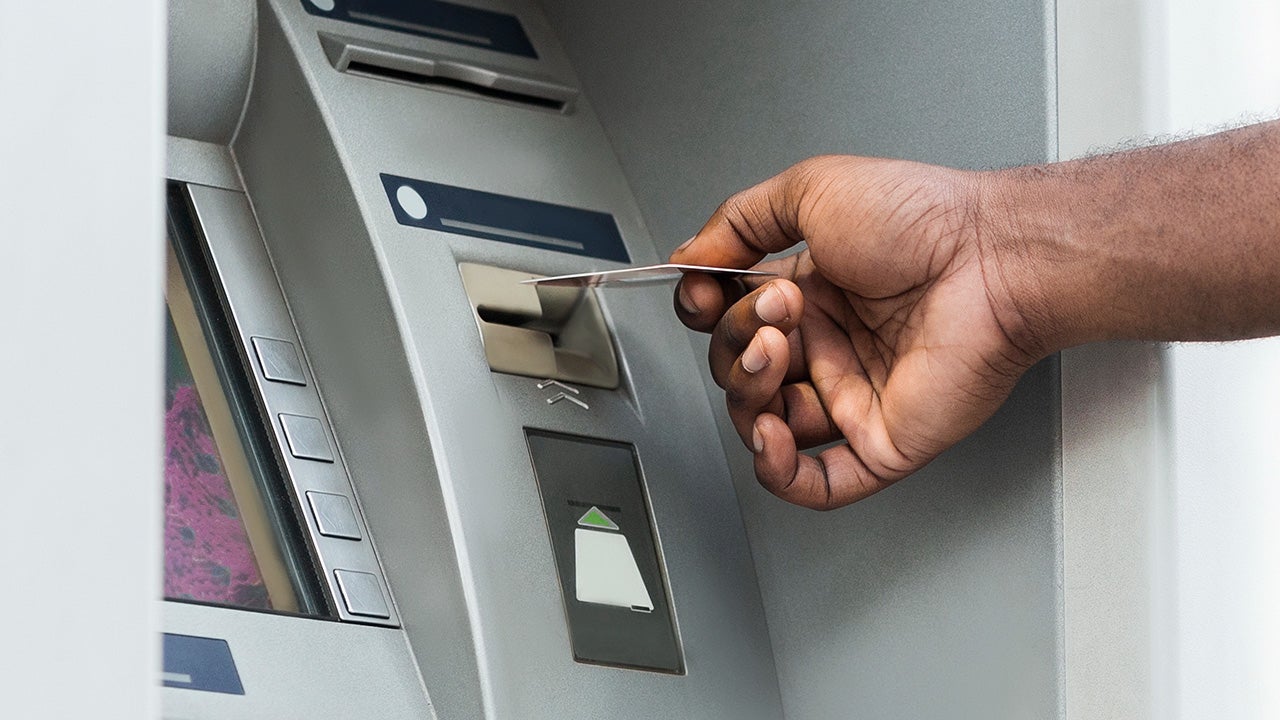
ATMs dispense cash and allow you to make other banking transactions. An ATM typically consists of a screen, a card reader, a keypad, a cash dispenser and a printer.
ATMs can be found in many locations throughout the U.S. and the world. On-premise ATMs are located at financial institutions such as banks and credit unions, while off-premise ones are commonly offered at places like airports, grocery stores and gas stations.
Did you know?
Barclays unveiled the world’s first ATM at a branch in London in 1967. The first ATM in the U.S. started dispensing cash in 1969 to customers of Chemical Bank in New York. As of 2024, there are approximately 450,000 ATMs in the U.S., according to a research report from Capital One Shopping.
Common ATM transactions
Withdrawing cash
The most common ATM transaction is the withdrawal of funds from one’s account. Banks set daily ATM withdrawal limits to help prevent fraud and manage cash availability. These limits vary by bank, account, debit card and customer profile.
Some banks publish daily withdrawal limits for certain accounts, while others do not publicly disclose standard limits. Here are examples of several major checking accounts:
- Ally Spending Account: Up to $1,010 per day
- Capital One 360 Checking: Up to $2,000 per day
- Chase Total Checking: Not publicly disclosed; varies by customer and account type
- Bank of America Advantage Plus Checking: Not publicly disclosed; varies by customer and account type
Check with your bank to confirm your specific daily withdrawal limit.
Depositing money
Account holders can often use an ATM to deposit cash or checks. Cash deposits at your bank’s ATM may be available the same or next business day, depending on the bank’s policies and cutoff times. Check deposits, however, are generally not available immediately. If you deposit a check at your own bank’s ATM, it may take up to two business days for the check to clear, while deposits made at another bank’s ATM may take even longer.
Transferring funds
You may be able to use an ATM to transfer money between accounts you hold with your bank. For instance, you can often select the “transfer” option at the ATM if you wish to transfer $200 from your savings account to your checking account. Transferring funds between accounts is also something you can do on your bank’s mobile app or website.
Balance inquiries
You can also visit an ATM to view your current account balance. This feature may come in handy if you wish to know how much you’re able to spend when using your debit card or writing a check. You can also view your bank balance by logging onto your bank’s mobile app or website. Knowing your balance can help you avoid overspending or overdrawing your account.
How to use an ATM
The steps you’ll take once you find an ATM will depend on the type of transaction you want to do. But below is a general guide for withdrawing or depositing cash.
- Insert your bank card into the ATM.
- Enter your personal identification number (PIN).
- Select the account you want to make the deposit into or withdraw from.
- Select the amount you want to withdraw or how you’re depositing money (cash or check)
- If you’re withdrawing from an out-of-network, you may need to confirm you’re willing to pay a fee. If you’re depositing, put the cash or check into the machine.
- Confirm the transaction.
- Remove your bank card and, if you’re withdrawing, take the cash.
What to watch out for with ATMs
ATM fees: Using an ATM outside of your bank’s network often means paying fees to both the ATM owner and your own bank. In 2025, the average total ATM fees were $4.86, according to Bankrate’s most recent ATM fee study — an increase from $4.77 the year before. Ways to avoid ATM fees include only using ATMs in your bank’s network and requesting cash back when you make purchases at a retailer.
Location and safety: To stay safe at ATMs, choose well-lit, public locations and cover your PIN as you enter it. Count your cash in private, and consider using cardless transactions or mobile payments like Google Pay or Apple Pay to reduce the risk of ATM skimming. Skimming devices can steal card data, so minimizing physical card use helps keep you safe.
Bottom line
ATMs provide access to cash on a 24/7 basis, without the need to see a teller or other bank representative. They also allow you to deposit funds, check your balance and transfer money between accounts. Once you understand withdrawal limits and how to avoid out-of-network fees, ATMs can be a quick and convenient way to manage your money.
Why we ask for feedback
Your feedback helps us improve our content and services. It takes less than a minute to
complete.
Your responses are anonymous and will only be used for improving our website.
Help us improve our content
Read the full article here